Overview
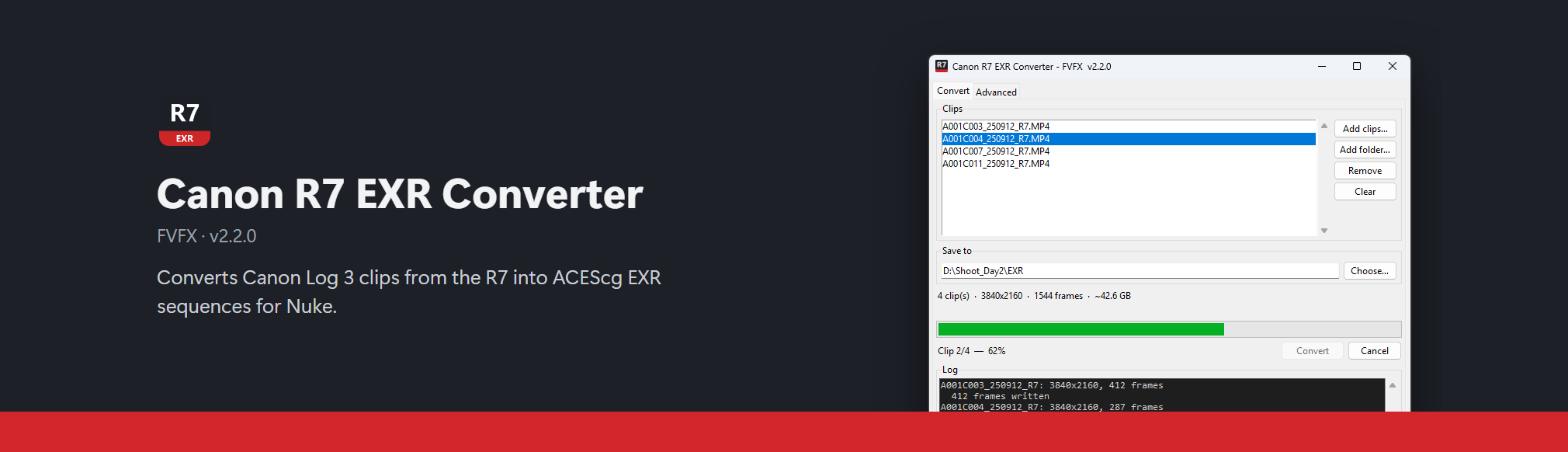
Shot something on the Canon R7 and need it in Nuke? This app turns your camera clips into image sequences Nuke can use, with the colours set up correctly for you.
Pick the file ending in Setup.exe. It installs in a few seconds, needs no admin rights, and keeps itself up to date.
Three steps
- Add your clips. Click Add clips… and pick the
.MP4files from your card. - Choose where to save. A folder with plenty of free space works best; the app tells you how much it needs.
- Click Convert. When it's done, open the frames in Nuke.
That's it. You don't have to change any settings.
Step-by-step guide Set up Nuke (do this once)
Also in the app
- Dailies: join clips into one video with the clip name and frame number burnt in, to share or review. How to make dailies
- Help menu: opens these docs and checks for updates.
Stuck?
See Troubleshooting for what the messages mean and fixes for common problems.